Which versions of Live does it work with?
Ableton Live 12. Live 11 and earlier aren't supported.
Does it work with Live Standard, Intro and Lite?
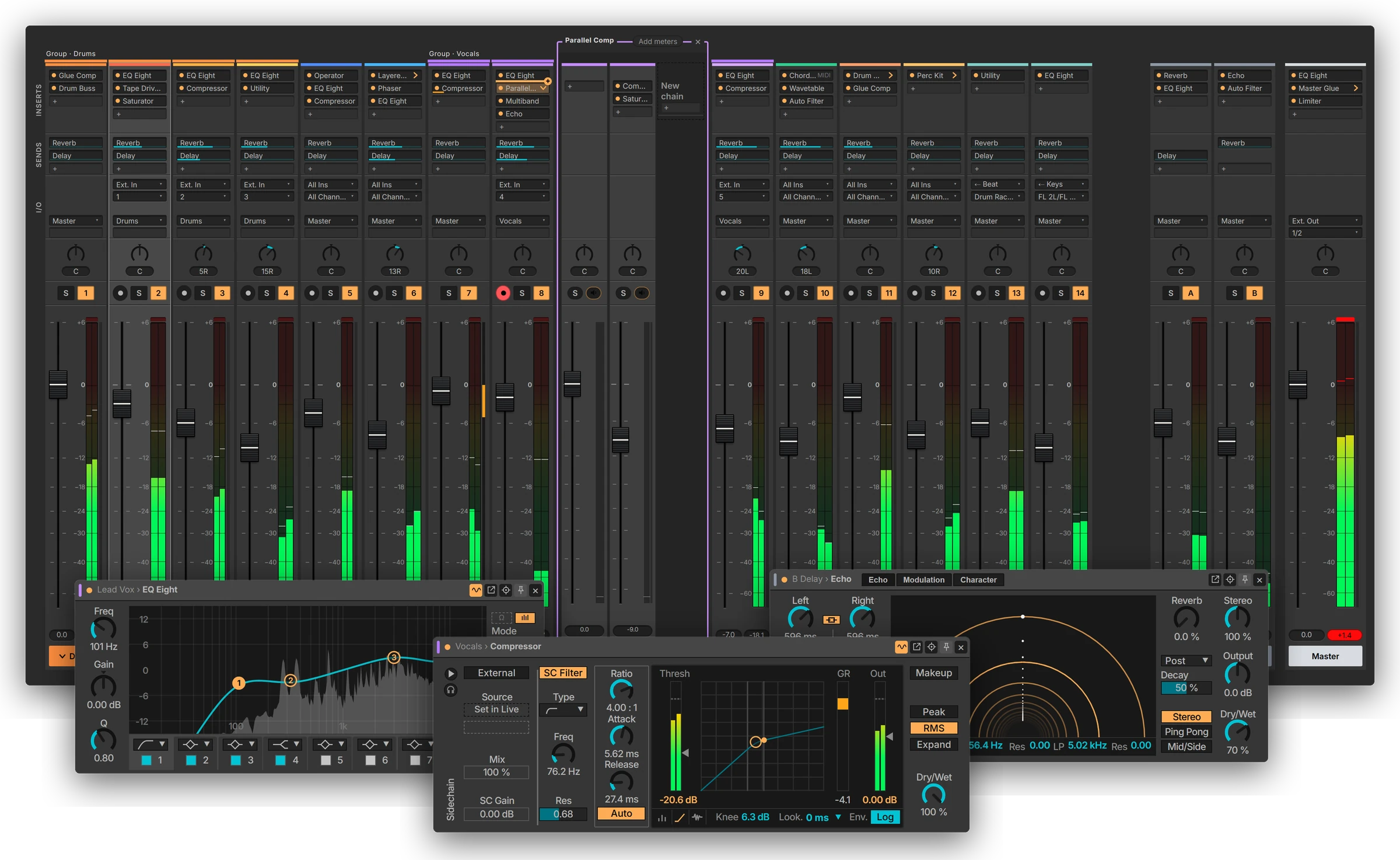
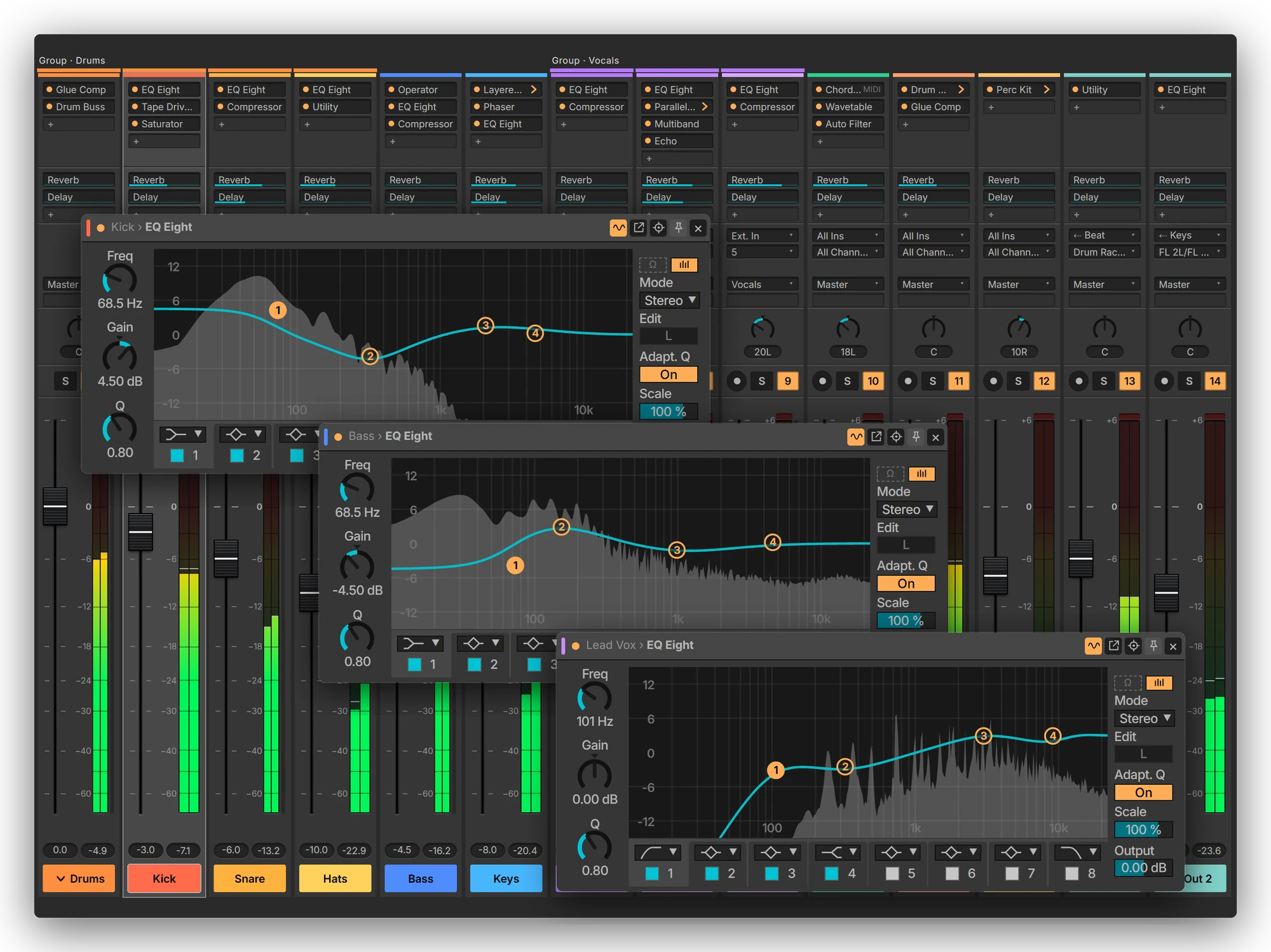
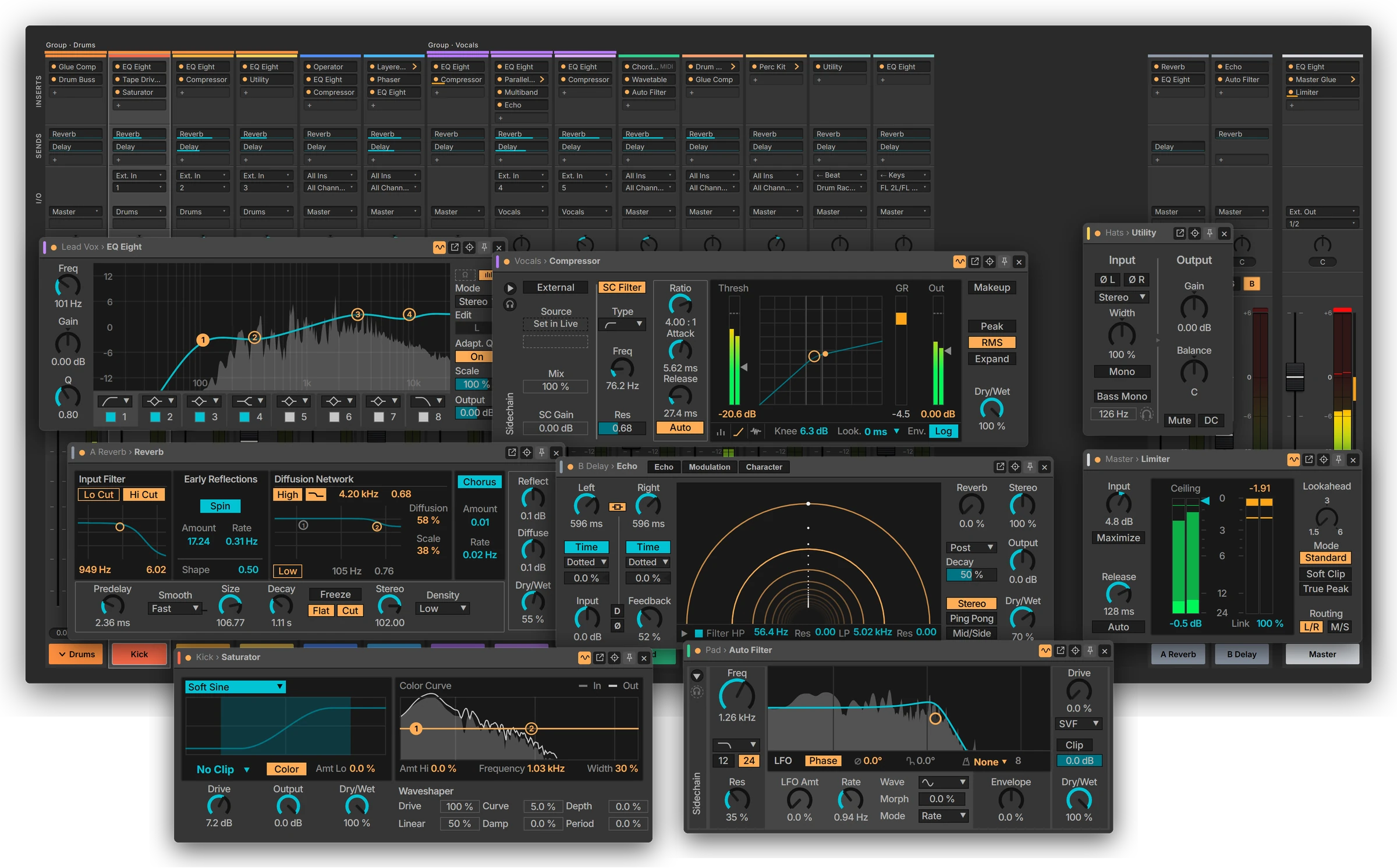
Yes. The console, racks, routing and every Audio Effect window work in every edition. The signal in the effect windows, gain reduction on the strips and the meters on rack chains need Max for Live, which comes with Suite, is an add-on for Standard, and isn't available in Intro or Lite.
Do I need Max for Live?
Only for the signal in the effect windows, gain reduction on the strips and the meters on rack chains. Everything else works without it.
Windows or Mac?
Both. One licence covers up to two of your own computers, Windows or Mac.
Will it work with my existing projects?
Yes. Open any Set and it's there, with nothing to convert. FaderRoom is a controller: it doesn't change the sound of your Set, it moves the controls that are already there.
Where is my mix saved?
In your Live Set, as always. FaderRoom only controls Live: every change you make in it is a change in the Set, and you save it in Live. FaderRoom itself remembers only its own layout, such as which racks are open.
What about third-party plug-ins?
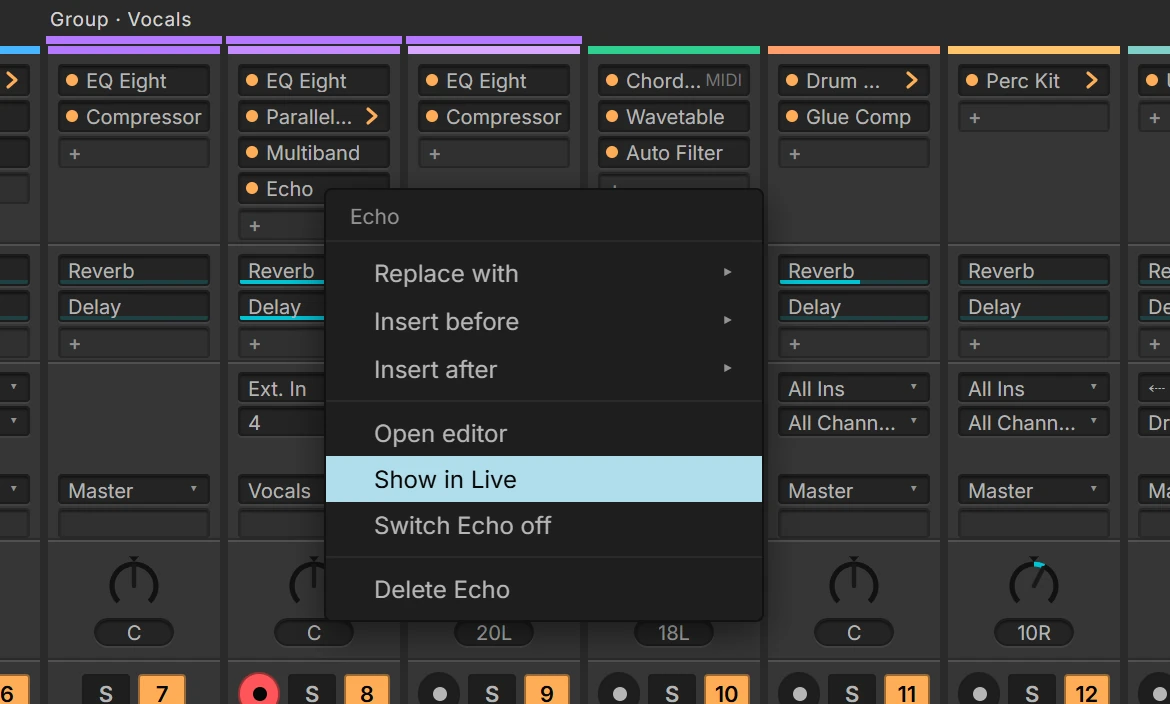
They show up on the strip like any other insert, and a click opens the plug-in's own window.
Do I need a second monitor?
No, but it's at its best on one. FaderRoom runs in its own window on the same computer as Live, so it also works beside Live on a single screen.
Can I try it first?
Yes. 14 days free, with every feature. After that, FaderRoom still shows your mix, and changes need a licence key.
Is it made by Ableton?
No. FaderRoom is independent and isn't affiliated with or endorsed by Ableton.